EDI-TECH

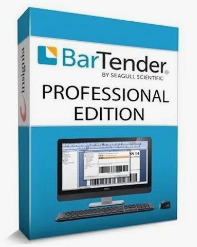
Key FeaturesLabel Design: Features a WYSIWYG (What You See Is What You Get) interface with over 400 ready-to-use barcode components and more than 40 barcode symbologies. [1, 2]Database Integration: Connects seamlessly with Excel, Microsoft SQL Server, Oracle, JSON, XML, and ERP systems to pull dynamic data at print time. [1, 2]Automation & Cloud: Supports automated printing workflows and cloud-based or on-premises deployment options. [1]Editions AvailableStarter Edition: Designed for small businesses needing basic label creation and printing. [1]Professional Edition: Adds database connections, data-entry forms, and dynamic template features. [1, 2]Automation & Enterprise Editions:

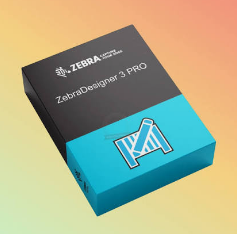
ZebraDesigner 3 EditionsZebraDesigner Essentials 3: A free, basic WYSIWYG (What You See Is What You Get) label and barcode design tool.ZebraDesigner Professional 3: A paid license version that adds RFID support, database connectivity (Excel, Access, ODBC), and simple VB scripting. (Installs with a 30-day trial that later reverts to Essentials).ZebraDesigner for Developers 3: A free tool meant for creating custom ZPL code templates and integrating with third-party apps

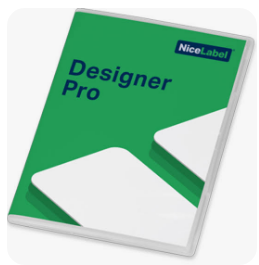
NiceLabel (part of Loftware) is a leading software platform for designing, managing, and automating barcode and RFID label printing. [1, 2, 3]
Key FeaturesVisual Label Designer: Features a Microsoft Word-like drag-and-drop interface that lets users create labels in minutes without IT support or prior coding experience. [1, 2, 3]Database & App Integration: Connects directly with Excel, SQL Server, SAP, Oracle, and other ERP/WMS systems to automate variable data and eliminate manual entry errors. [1, 2, 3]Cloud & On-Premises Options: Available via Loftware Cloud (SaaS public cloud) or local on-premises installations (NiceLabel LMS). [1]Printer Agnostic: Supports thousands of thermal, inkjet, and laser printer models (such as Zebra, Sato, and Epson) using native printer drivers or universal Windows drivers. [1, 2]
Scroll to Top